OpenID
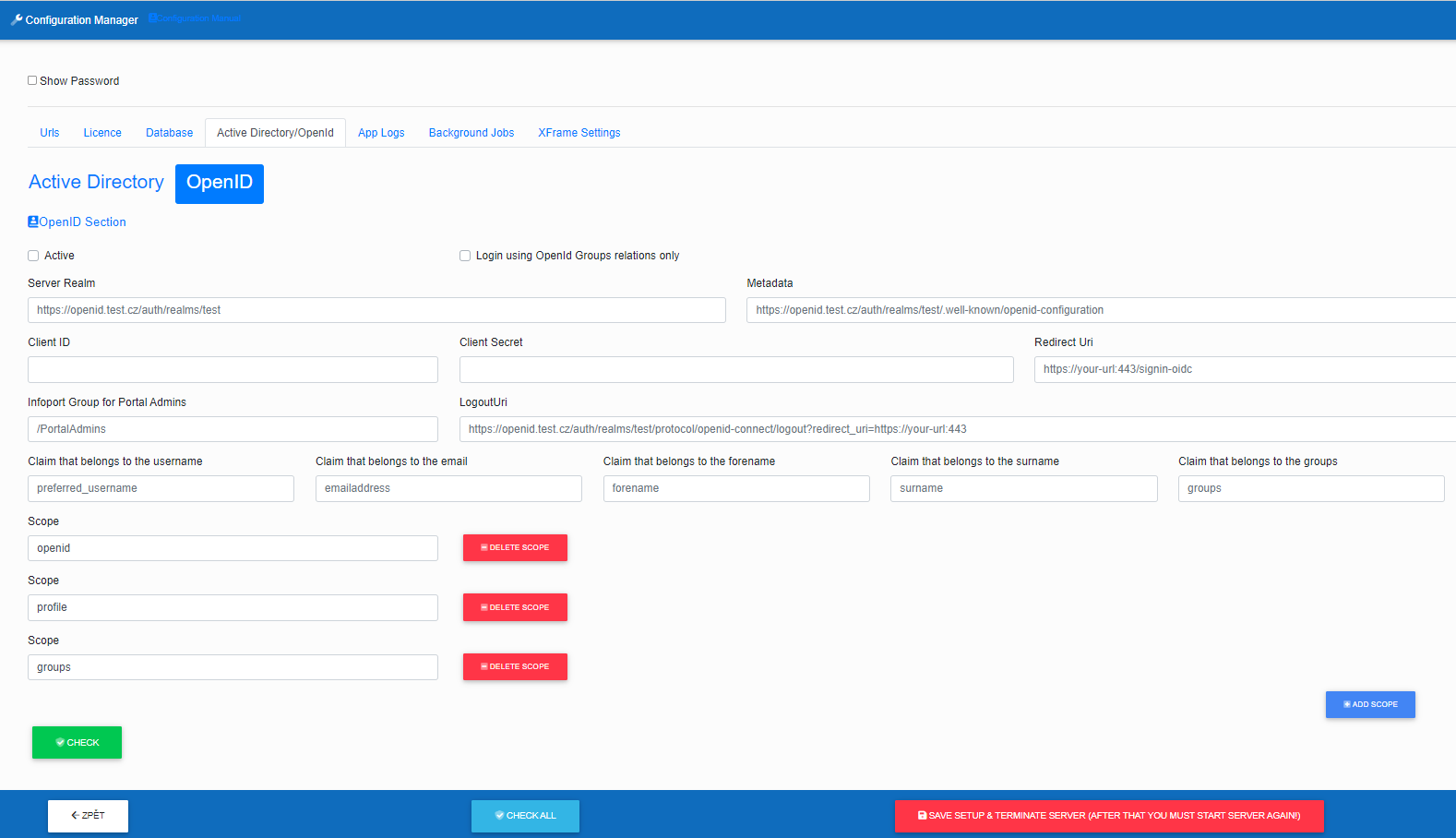
- "Active" tells us if we want Infoport to work with OpenID.
- "Login using OpenId Groups relations only" it is possible to set a ban on the login of a user who does not have an OpenID group assigned.
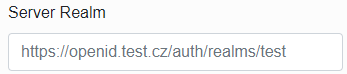
Server Realm – fill in the link to the open id server
For Microsoft Entra ID: In Endpoints, find the Authority URL item (Accounts in this organizational directory only).
Metadata – fill in the link to the open id server metadata
For Microsoft Entra ID: In Endpoints, find the OpenID Connect metadata document item

ClientID – fill in the reference to the Client identifier
For Microsoft Entra ID: In Essentials, find the Application (client) ID item

Client Secret – insert client secret
For Microsoft Entra ID: The administrator must generate it in Essentials / Client credentials / Value

Redirect Uri – enter the url that will be called after logging out of the infoport
For Microsoft Entra ID:

Infoport Group for Portals Admins – enter the name of the group where you want the Infoport portal administrator users to be
For Microsoft Entra ID:

LogoutUri – enter a url that logs out of open id
For Microsoft Entra ID:

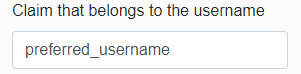
Claim that belongs to the username – specify a claim by which the infoport will pull the infoport username from the response
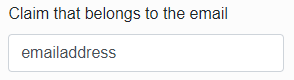
Claim that belongs to the email – specify a claim by which the infoport will pull the email from the response
Claim that belongs to the forename – specify a claim by which the infoport will pull the user's first name from the response
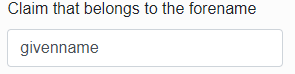
Claim that belongs to the surname – specify a claim by which the infoport will pull the user's last name from the response
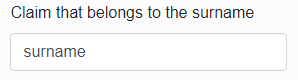
Claim that belongs to the groups – specify a claim according to which the infoport will pull the groups to which the user belongs from the response
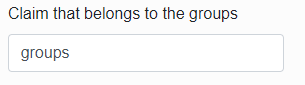
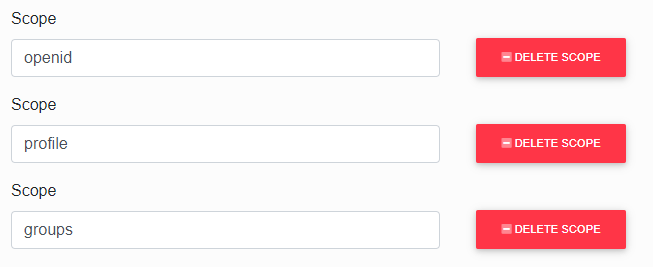
Add Open ID Scopes,to return all necessary attributes
Other related information about OpenID:
https://doc.eainfoport.cz/books/user-manual/page/mapping-a-group-to-openid