# Assigning Groups to a User
[](https://doc.eainfoport.cz/uploads/images/gallery/2022-05/groups.png)
We have chosen the blue "***Groups***" button.
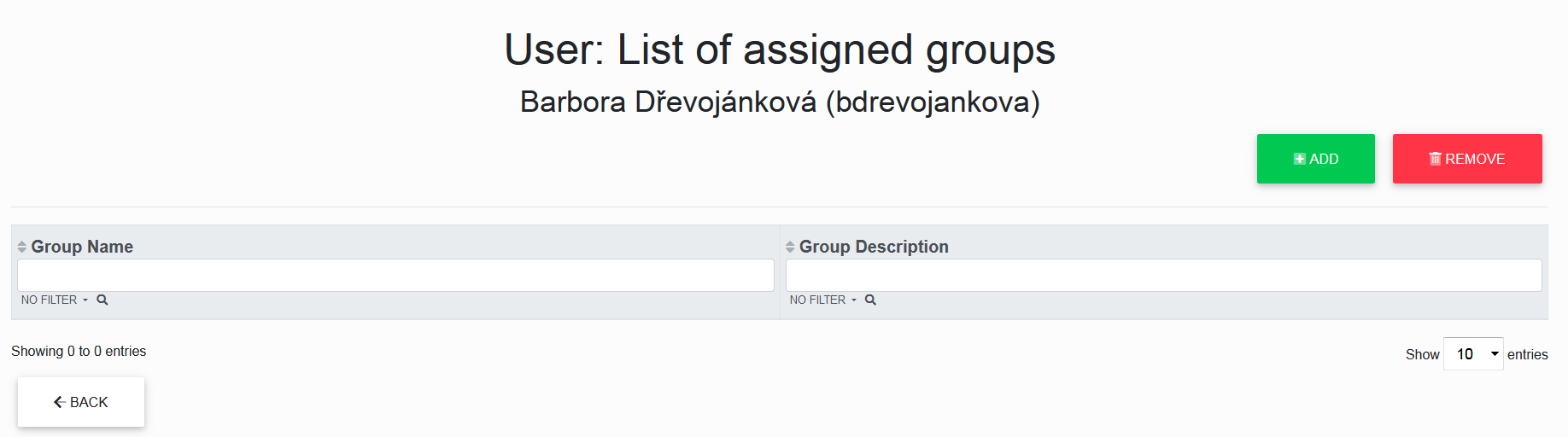
We got to the List of Assigned Groups of a specific user for which the button was selected.
Here we can add users to different groups in the repository or remove users from different groups in the repository using the "***Add***" or "***Remove***" buttons and see an overview of which groups the selected user is in.
[](https://doc.eainfoport.cz/uploads/images/gallery/2022-05/skupina.png)
- - - - - -
***Add***
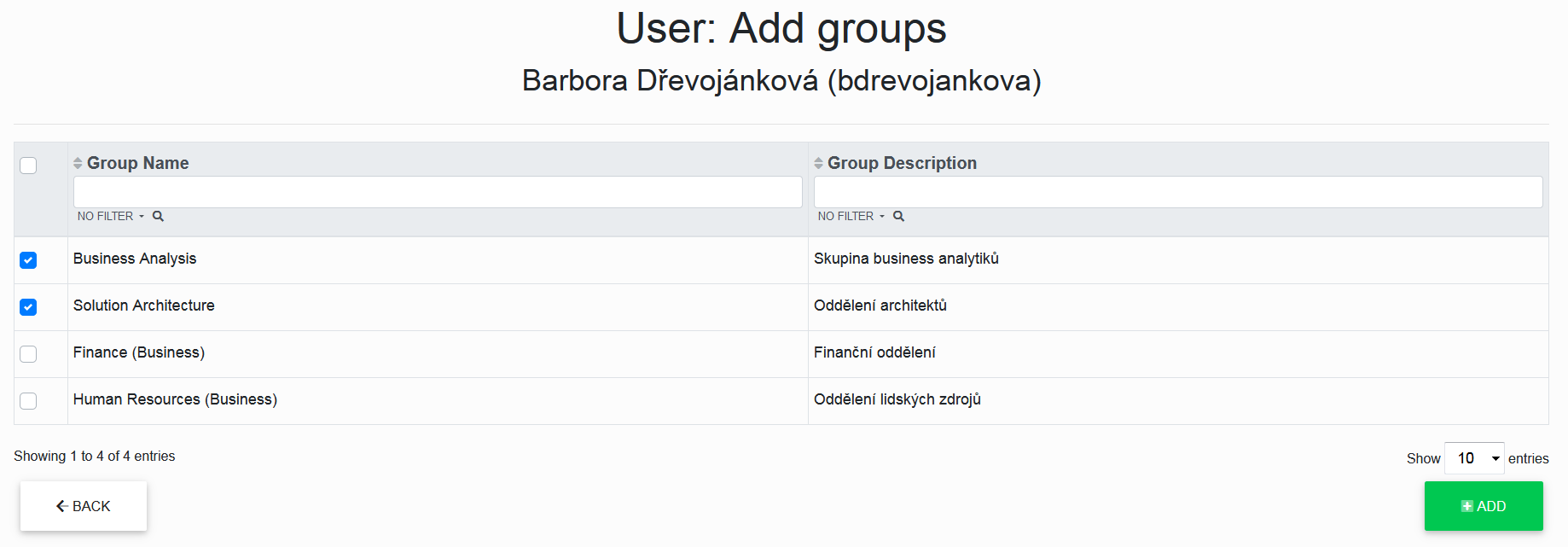
The “**Add**” button opens a list of unassigned groups where we can check the checkbox for each group we want to select, and after another click on the “***Add***” button, the user will be assigned to the checked groups.
[](https://doc.eainfoport.cz/uploads/images/gallery/2022-05/pridat-skupinu-0.png)
- - - - - -
***Remove***
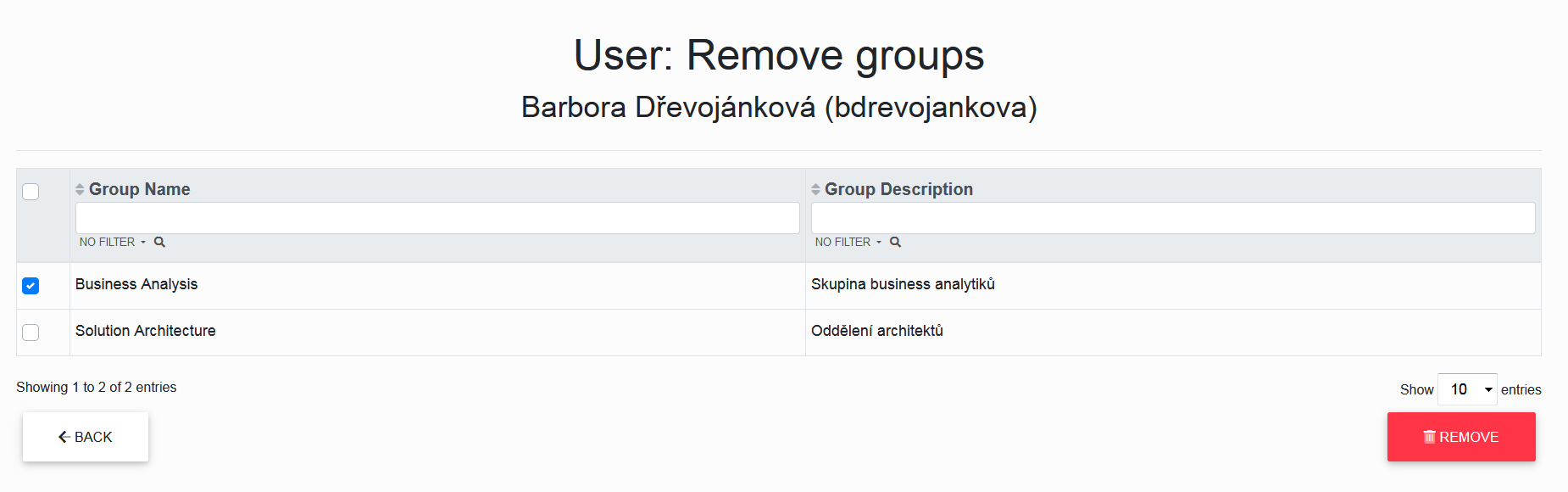
The “***Remove***” button opens a list of assigned groups where we can check the checkbox for each group we want to select, and after another click on the “***Remove***” button, the user will be sent to the checked groups.
[](https://doc.eainfoport.cz/uploads/images/gallery/2022-05/odstranit-skupinu.png)