# Edit a Group
[](https://doc.eainfoport.cz/uploads/images/gallery/2022-05/edit-1.png)
We have selected the yellow “***Edit***” button in the List of Users.
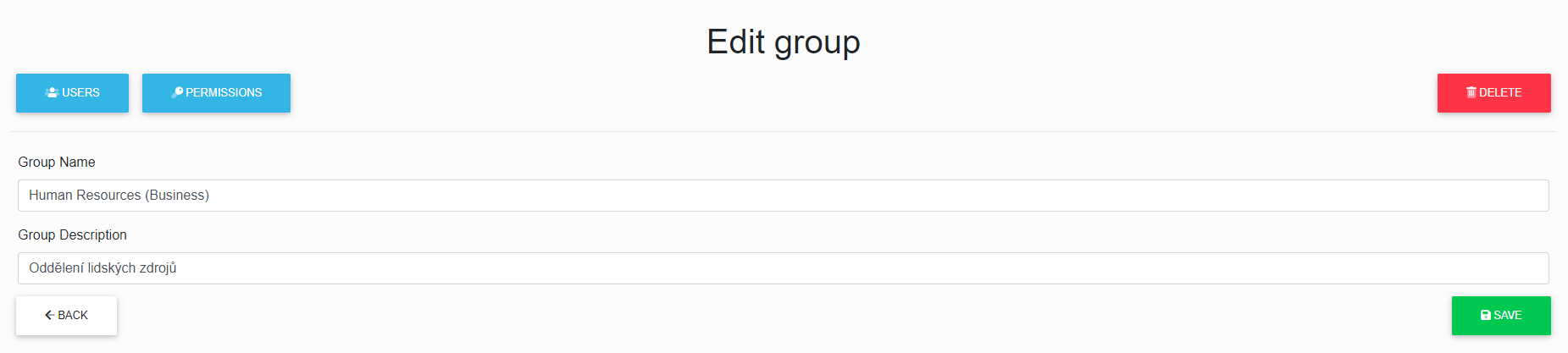
Now we can edit the selected group and also click through on “***assign users***” to the group, “***assign permissions***” to the group and “***delete a group***” from the repository.
[](https://doc.eainfoport.cz/uploads/images/gallery/2022-05/edit-group.png)
After correctly filling in and clicking on the save button, the group data will be saved.