# Elements in the Diagram
The functionality is available in the context menu under the symbol [](https://doc.eainfoport.cz/uploads/images/gallery/2022-05/elementy.png)
[](https://doc.eainfoport.cz/uploads/images/gallery/2022-05/diagrame.png)
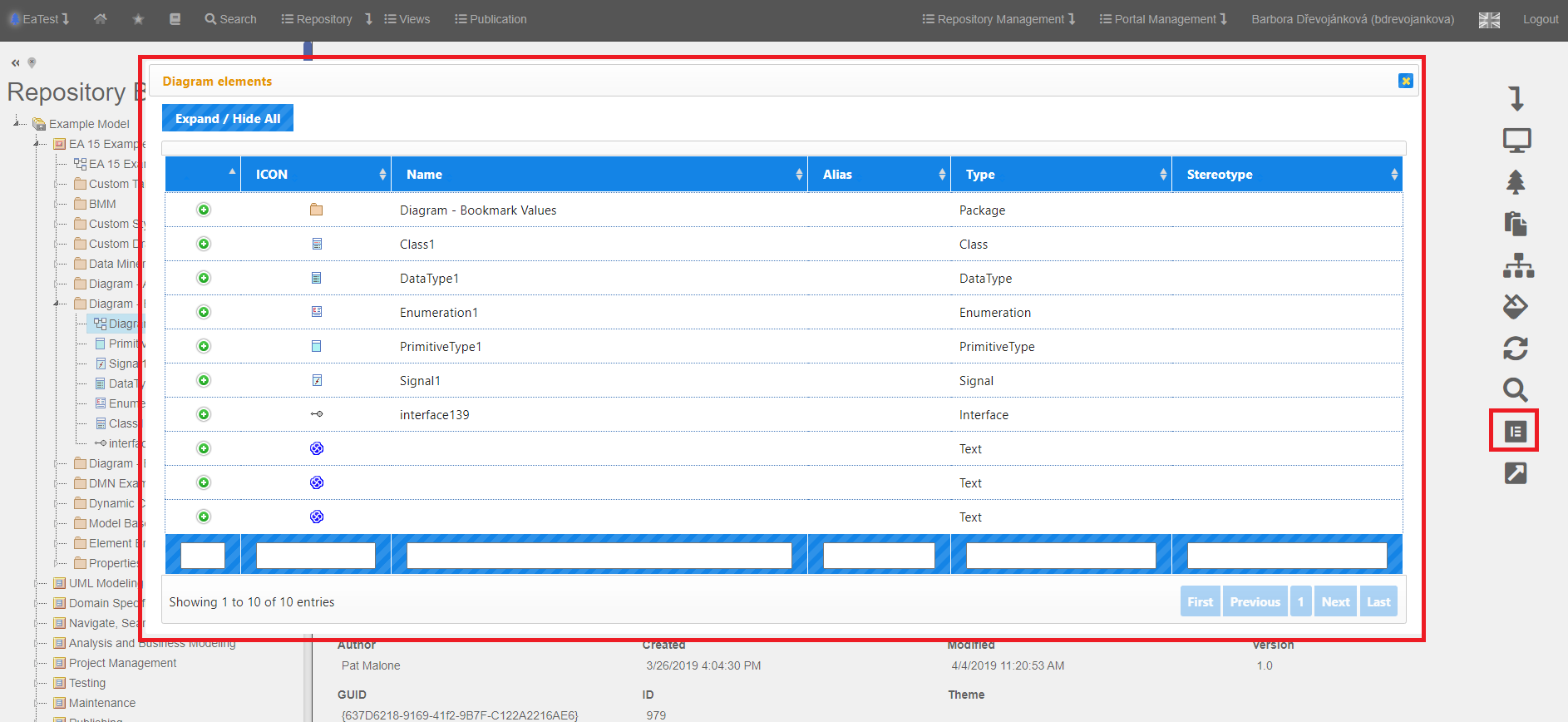
- When a user is in a diagram detail, he/she has the option, after clicking on the “Elements in the Diagram” icon, to display a list of all elements that are in this diagram.
- After clicking on the detail of the specified element is displayed.
- After clicking on  in the ICON column, you get to the specified element.
We got to the “*Account*” element and selected “*Search diagrams with this element*” there.
[](https://doc.eainfoport.cz/uploads/images/gallery/2022-05/diagrame1.png)
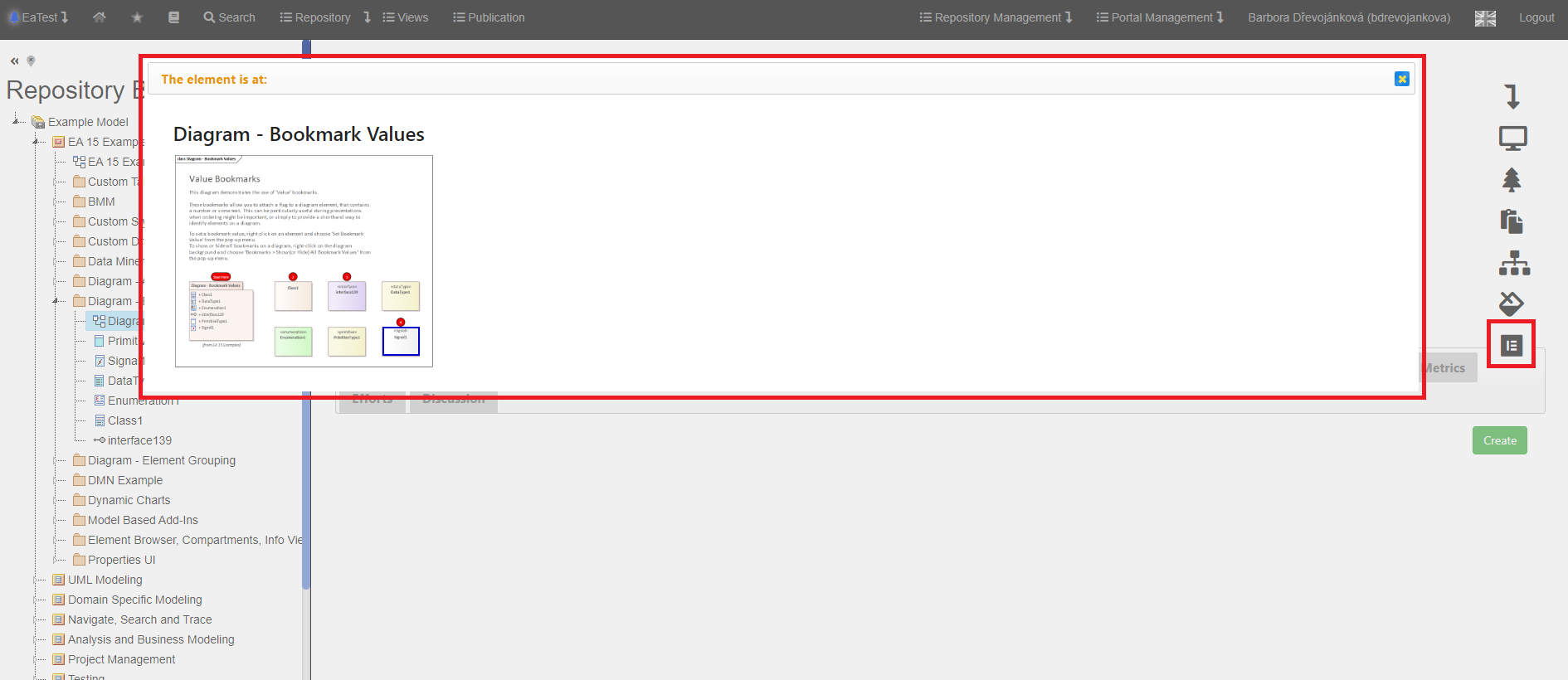
- A list of diagrams in which this element is located is displayed, with a preview and highlighting where it appears in them.
- Double-click on the diagram to get to its detail.