# URL for Direct Access
A user can copy a URL for direct access and send it to a colleague.
The colleague will be able to view this URL even if he ***is not logged in***, but he will only see the relevant artefact – for example, he cannot go anywhere else in the repository or to a publication, etc.
The functionality is available in the context menu under the symbol [](https://doc.eainfoport.cz/uploads/images/gallery/2022-05/url-pro-primy-pristup.png)
[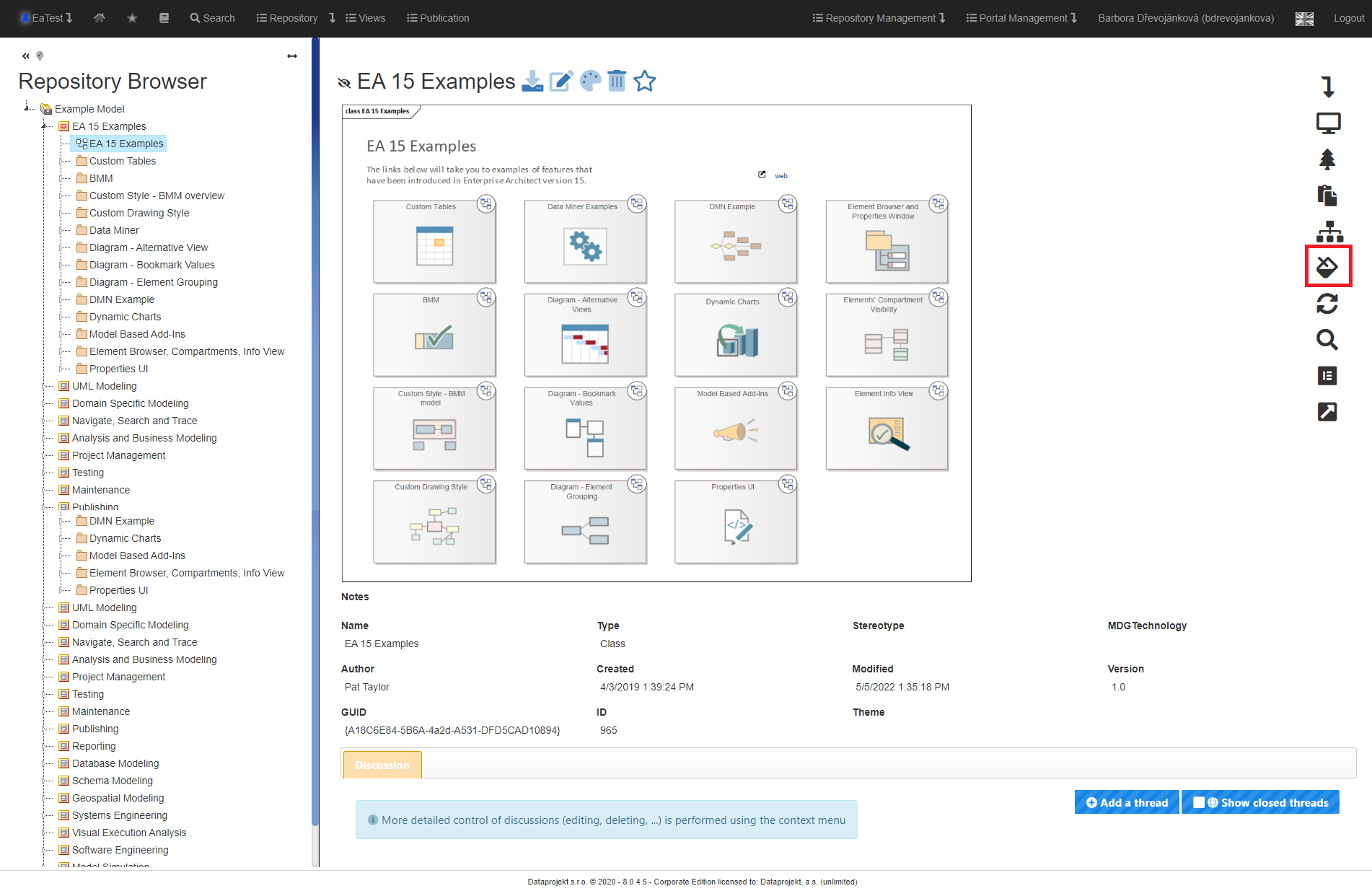](https://doc.eainfoport.cz/uploads/images/gallery/2022-05/priy-pristup.png)
After clicking on the “*URL for Direct Access*” icon, a pop-up chart will appear where the user can get the direct URL of the relevant artefact.
[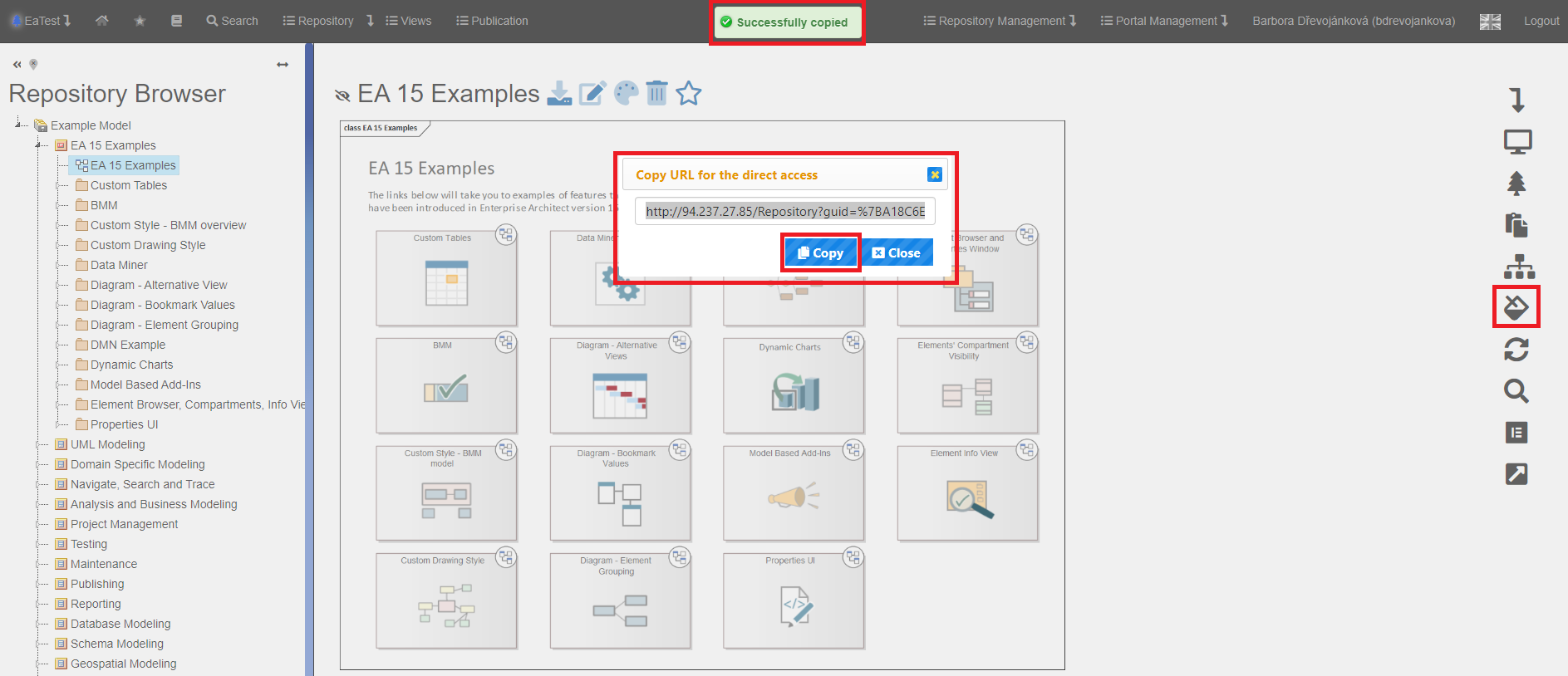](https://doc.eainfoport.cz/uploads/images/gallery/2022-05/priy-pristup1.png)
After clicking on the “*Copy*” button, the user saves the URL to the clipboard.
An identical method is to select the entire line with CTRL+A and copy it to the clipboard with CTRL+C.
Then just paste the URL in the appropriate place.
The recipient of the URL for direct access after entering it in the browser will get the same detail as the user who created the URL.
[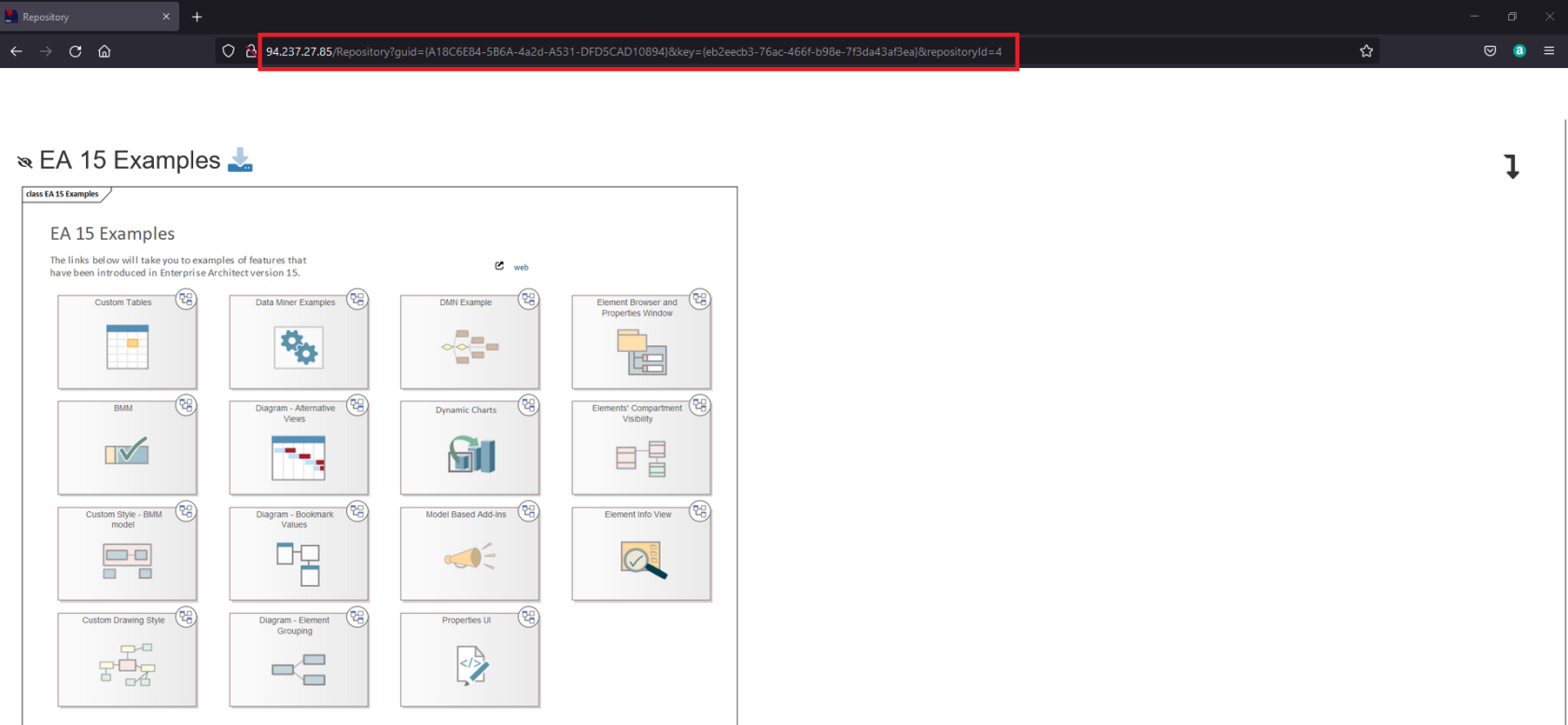](https://doc.eainfoport.cz/uploads/images/gallery/2022-05/url-pro-primy-pristup2.png)
The user has no permissions. He/she can only view a diagram.