
Configuration Manager
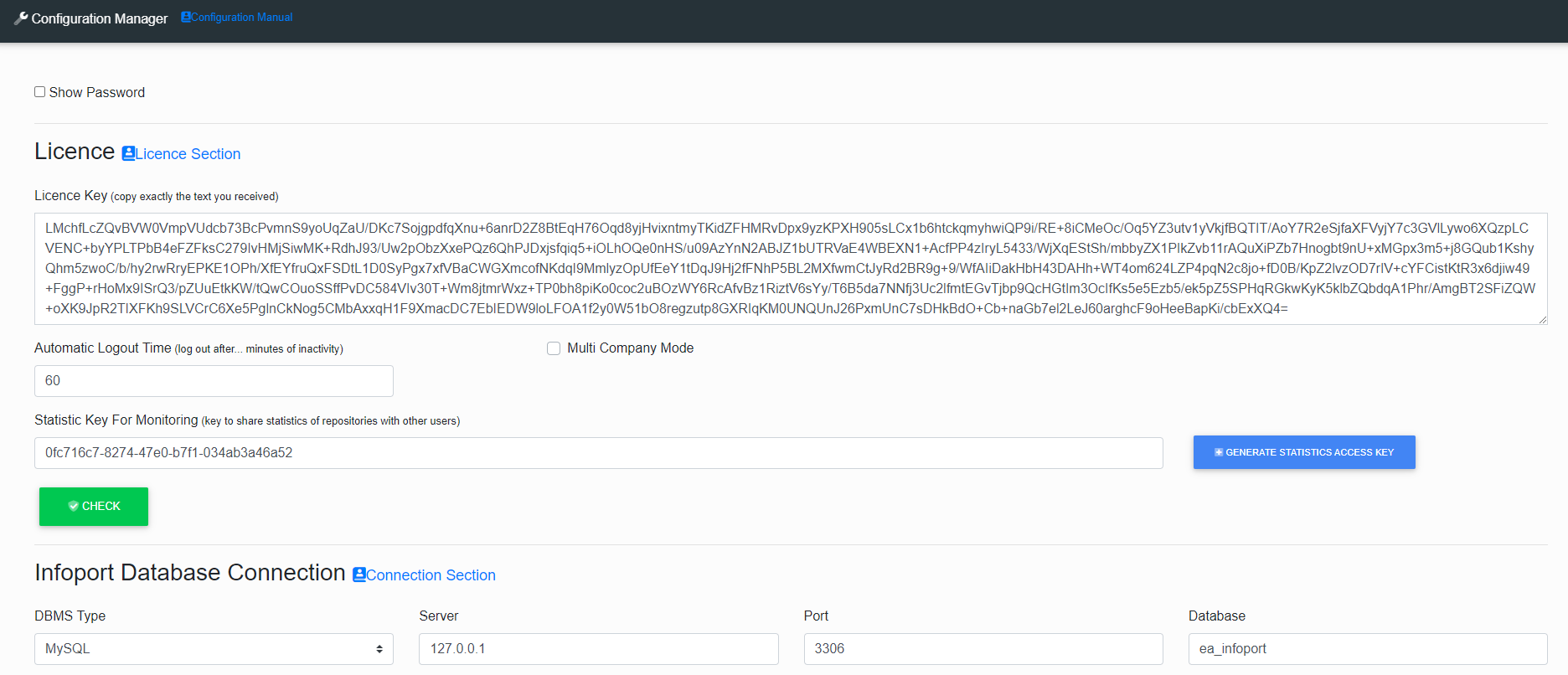
After filling in the form, press the button  and if everything is filled in correctly, it will appear in each section
  .
.
Then press the button  and wait until the entire Configuration Manager is set up and saved.
If EaInfoport is running via the Launcher, it will restart automatically and start up again.
If EaInfoport is run directly from the .exe file, you need to start EaInfoport again yourself.
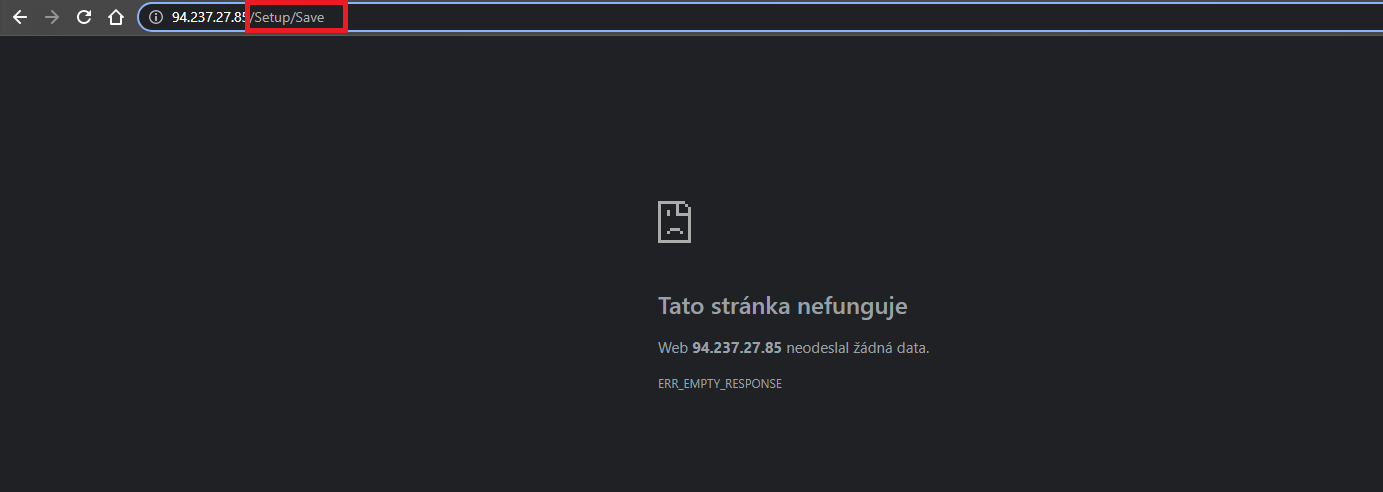
This page pops up, where we just delete /Setup/Save in the Url address and hit Enter.
No Comments